 Plysken PZ Hub
Tools for server admins
Free tools to run a Project Zomboid server. They are not made by PZ Hub: each has its own author, who maintains it and answers questions. For each one: what it does, how to install it, and the security settings to make before opening it to others.
Zomboid Control Panel
A web panel to install and run a dedicated server without the command line: you drive it from a browser and it talks to the server over RCON.
By fpsacha · free · open source under the MIT license.
Latest version published by its author: v1.4.11, on 10 Oct 2026.
The advice on this page is up to date for v1.4.11.
Version read on GitHub on 11 Oct 2026 at 21:50 UTC.
Download (GitHub)Release notes
What it does
- Start, stop, restart and save the server; live console and RCON terminal.
- Players: online list, history, kick, ban, notes.
- Workshop mods: update tracking, Steam collection, load order from each mod's require=, conflict scan.
- Configuration: the server's .ini files (settings, sandbox, spawn points) edited in the browser.
- Scheduled tasks (restarts, saves, announcements) and world backups with retention.
- Live world map, weather and events, Discord bot, several servers from one panel.
- Roles: admin, technician, moderator, or custom.
It runs on Windows, Linux or Docker (macOS through Docker), and can also manage a server rented from a host.
What it looks like
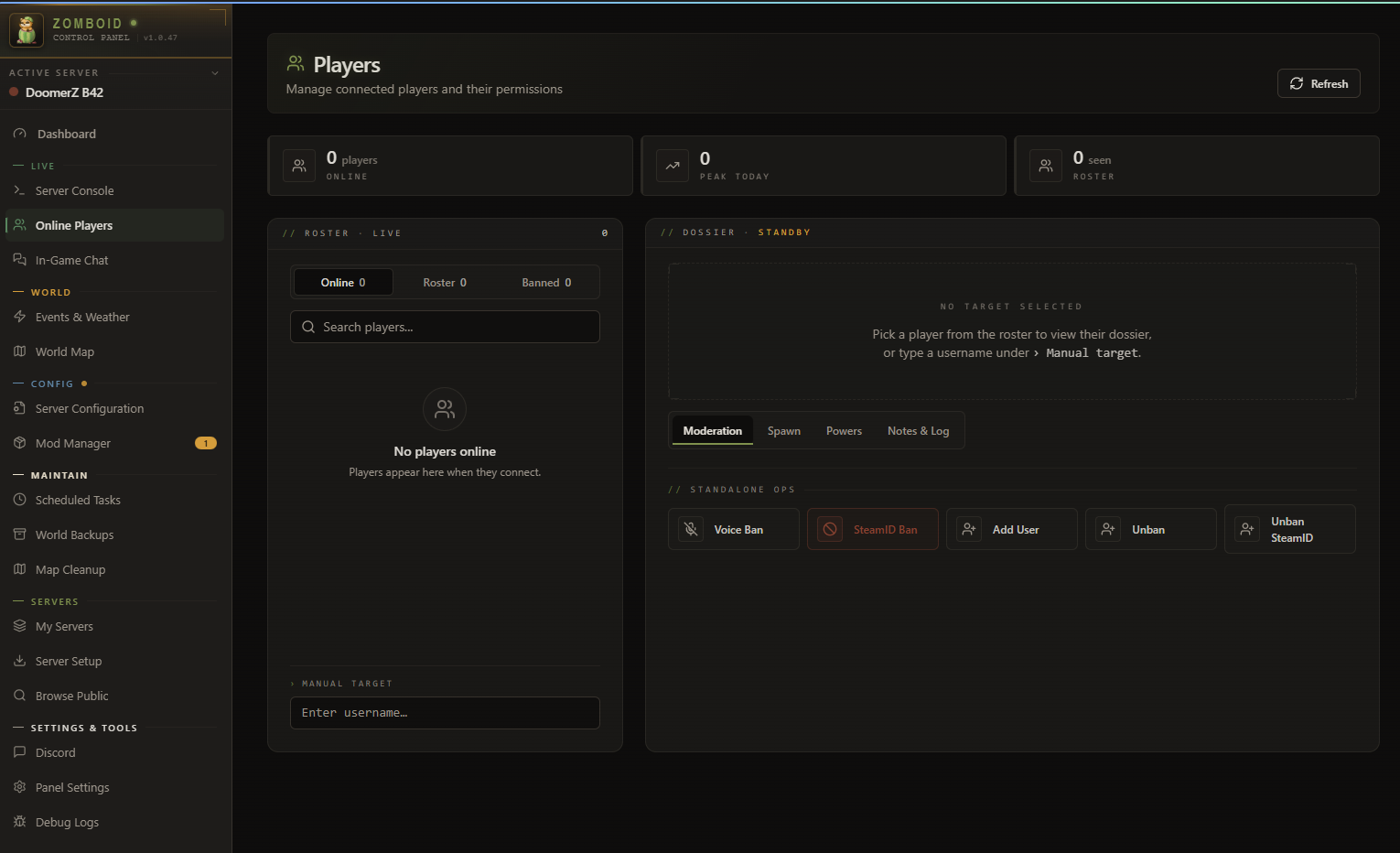
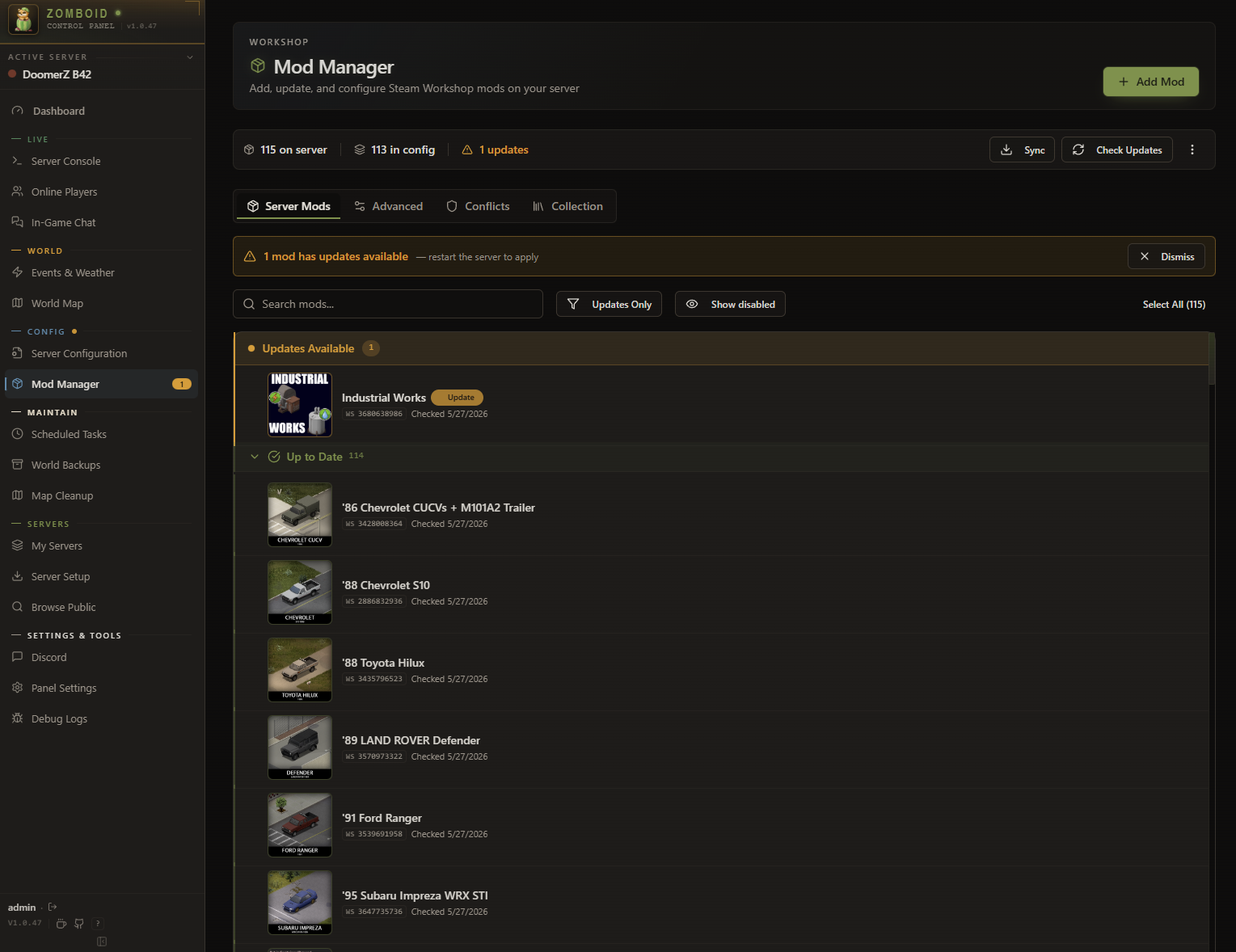
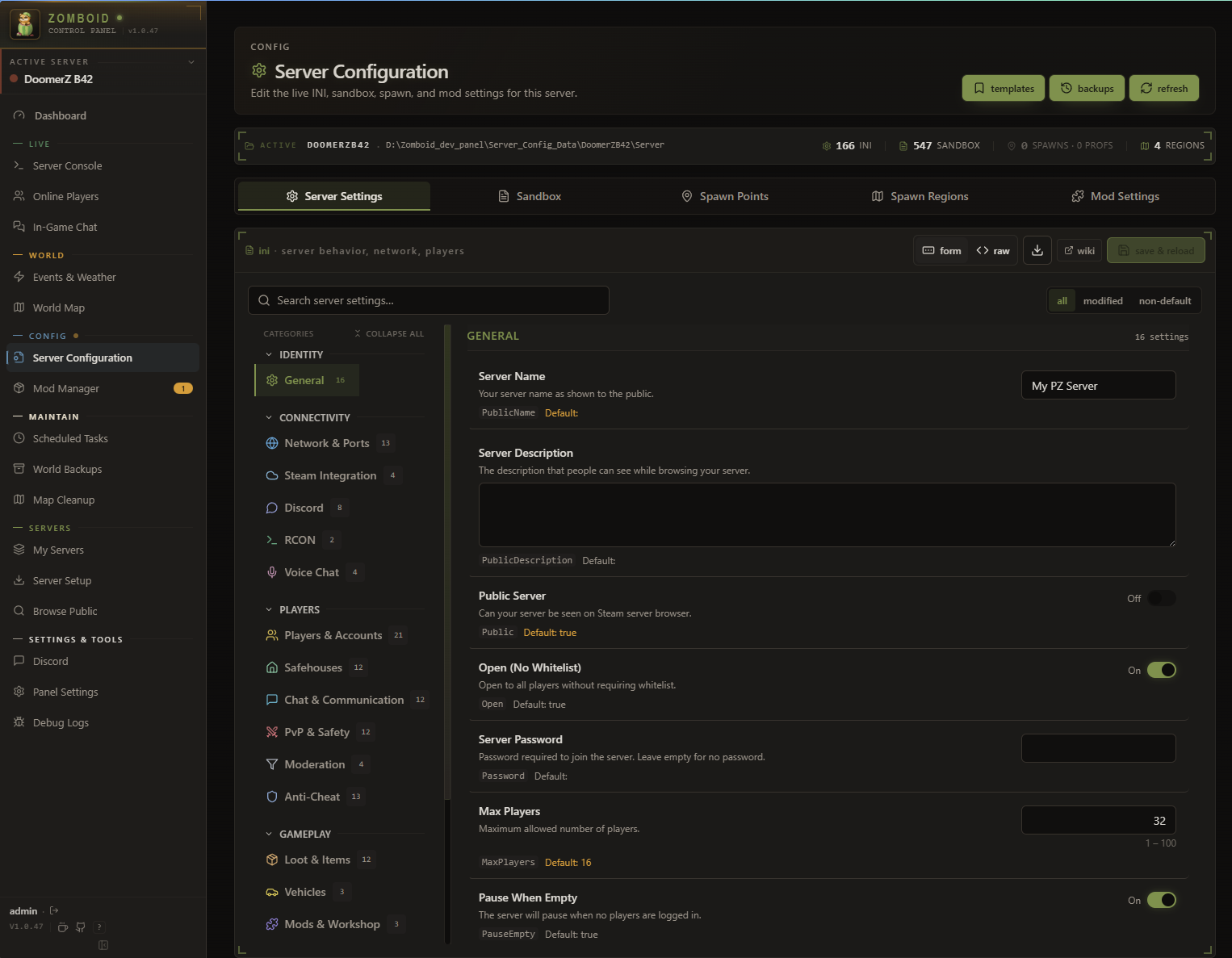
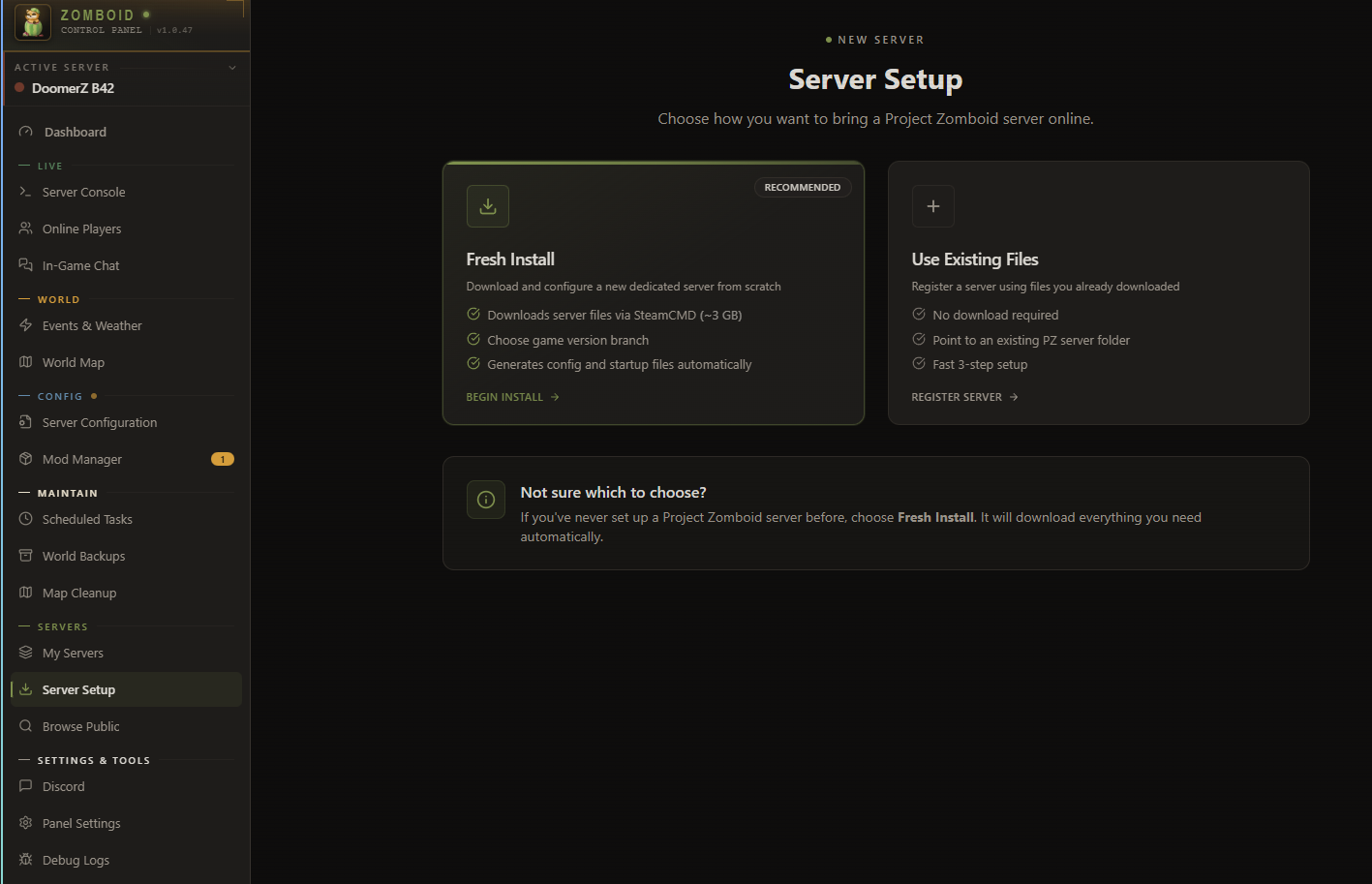
Screenshots by the author, from the fpsacha/zomboid-control-panel repository (MIT license). They show the interface of v1.0.47: the current version may differ.
Installing it
- Choose where the panel runs: on the server's machine, in Docker, on another computer, or alongside a server rented from a host.
- Download it only from its repository's Releases page, and compare the file's hash with the
checksums.txtpublished with the release. - Follow the author's guide for your case: Windows · Linux · Docker · rented server
- On first launch, create the admin account right away, then fill in the RCON access: the host, port and password from the server's .ini file.
- The all-in-one Docker install starts with a
curl … | shcommand: read the script before running it, as with any downloaded script.
The security settings to make
This advice does not replace the author's documentation, which prevails.
- Do not leave port 3001 open to the Internet. In the v1.4.11 code, the panel listens over HTTP on every network interface of the machine. On a VPS, close that port in the firewall and go through an HTTPS reverse proxy (nginx or Caddy), with the panel started with
TRUST_PROXY=loopbackandHTTPS=trueas the author describes, or through a VPN or an SSH tunnel. Never useTRUST_PROXY=1if port 3001 is still reachable. - Never turn off the panel login. Without it, every visitor is an anonymous admin: the author says so, and the file manager is then refused.
- Hand out roles carefully. Three rights amount to full access to the machine: installing a server (
server.install), managing files (files.manage) and managing servers (servers.manage). The default “technician” role holds two of them. Give them only to someone you would trust with the machine. - PanelBridge: choose knowingly. This server-side mod is optional (teleport, heal, inventory…). Installed by the panel, the default choice, it requires
DoLuaChecksum=false: the server no longer compares players' Lua files with its own. Its Workshop version (ZCPB, still in “Preview”) lets you setDoLuaChecksum=trueagain, but every server using it runs, at its restart, whatever the single Steam account behind that Workshop item publishes. Either way, this check does not stop a modified game client, and admin accounts skip it. Without PanelBridge, keepDoLuaChecksum=true. - All-in-one Docker: the update container holds the machine. It has the Docker socket, the equivalent of root access to the host: a flaw in the panel means a takeover of the machine. To accept only a release whose hash you checked, see
PANEL_DOCKER_UPDATE_SHA256in the author's SECURITY.md. - Stay up to date. The author fixes vulnerabilities only in the latest published release.
- Found a vulnerability? Report it privately. Through the repository's Security tab (“Report a vulnerability”), never in a public issue, and with no RCON password, token or secret in the message.
What PZ Hub does not do
- PZ Hub is not the author of Zomboid Control Panel, does not host it and does not distribute it: it is downloaded from its author's GitHub.
- PZ Hub will never ask for your RCON password, nor for access to your server or your panel.
A question or a problem with the tool: the author's Discord, or the issues of the repository.